Nothing here signs in to a bank, and the section under this one opens on exactly that. It does not follow that everything is typed.
- Your assistant
Ask, instead of typing
Badlen ships an MCP server for Claude Code and Claude Desktop. Point your own Claude at the statement your bank gave you and ask for it to go in: it reads the file where it already sits, pulls the operations out, shows you what is new against what the account already holds, then writes the batch. A statement sent twice lands once.
Badlen calls no model and stores no model key. The reading happens on your machine, on your own subscription, and nothing of the file reaches the database except the operations.
It is the one way here that asks for more than the two containers: the server is a Node script your client starts outside Docker, so the machine your Claude runs on wants Node, pnpm and a clone of the repository.
- A key you issue
Or drive it yourself
Settings → Access issues scoped keys, and /api/v1 is what they open: accounts, balances, holdings and batches of operations, with a dry run that writes nothing and tells you what the real one would do.
The MCP server is one client of that surface. A script of your own is another, and it is the same route and the same key.
- By hand
One figure, one date
An account, a balance on the day it moved, an operation in its register. It needs nothing installed and no key issued.
For a savings book, a life insurance contract or a flat this is not a fallback: no quote and no chain values those, so the figure you state is the only one there is.
- Without you
The part that fills itself
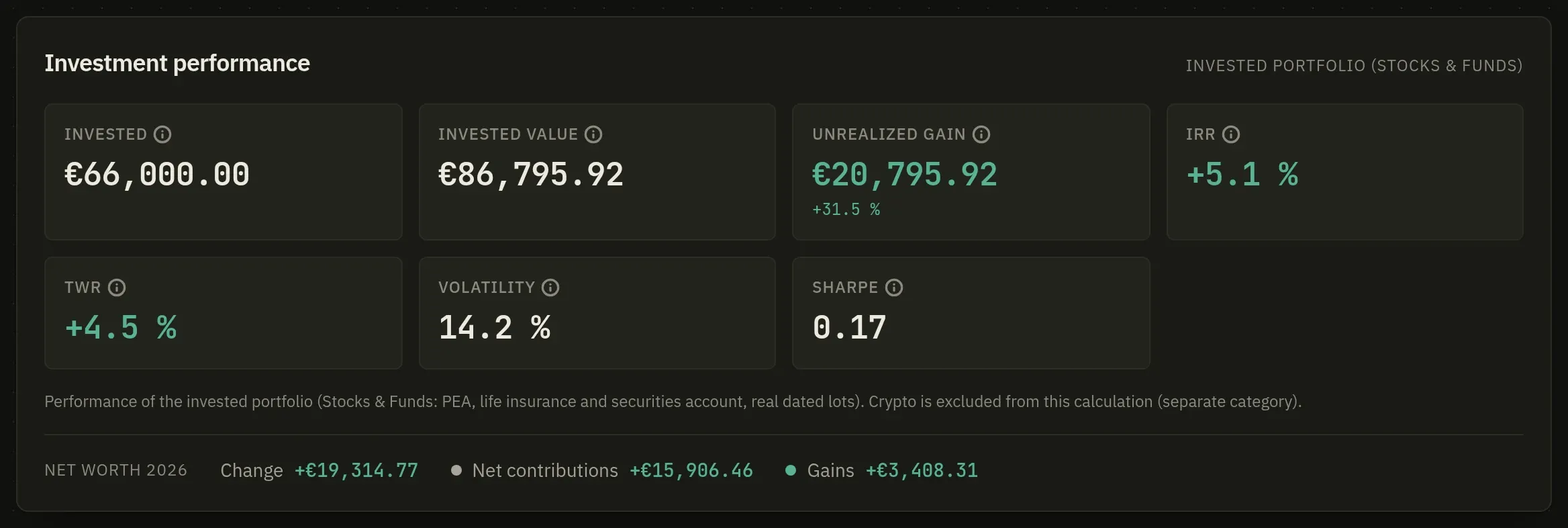
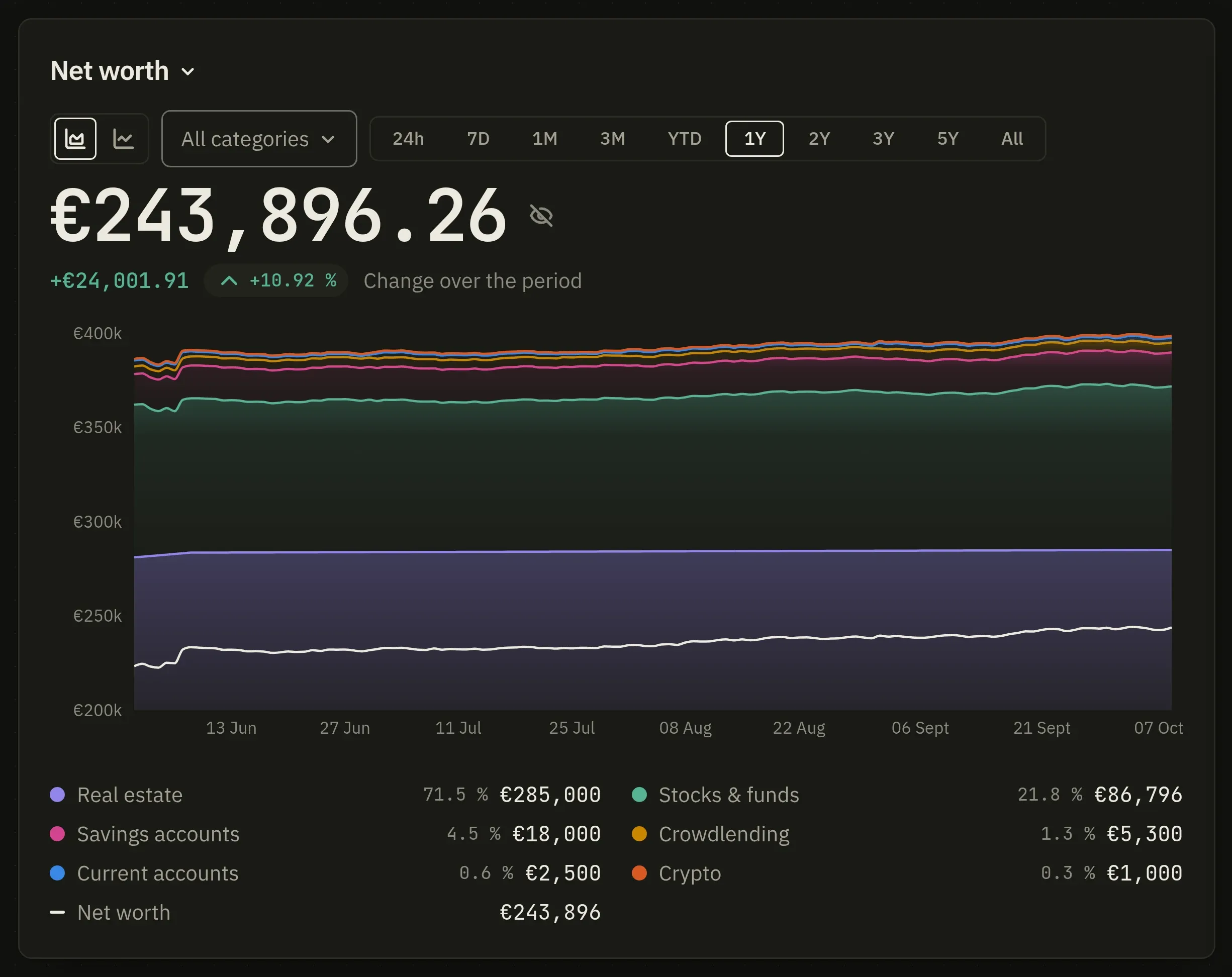
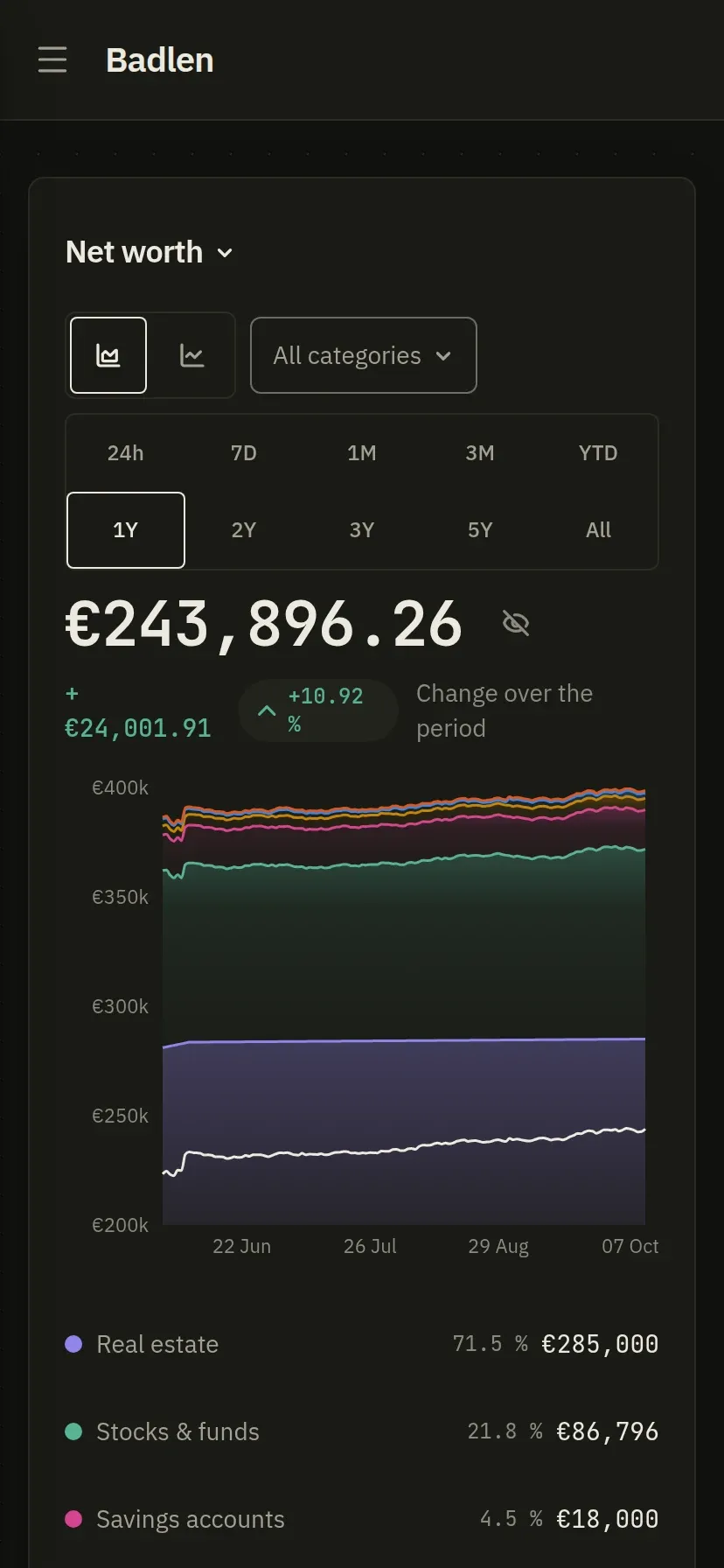
A security entered by its ISIN is quoted from outside sources, and a nightly run refreshes every quote and records the day's net worth. The value of a portfolio is not a figure anybody has to restate each month.
A crypto wallet declared by its public address asks the chain what it holds. It asks you for no credential, because a public address is not one.
And a Badlen export goes back in whole, which is how an instance moves to another machine.