
The demo account
There is no public instance of Badlen to visit. The demonstration account is something your own instance carries: switched on, it lets anybody who reaches your login screen walk the whole product with sixteen years of sample data behind it, without creating anything. It is off until an administrator turns it on, and the steps below are theirs.
-
Sign in as the administrator and open Settings → Administration.
-
Switch Demonstration mode on. The first time, the account and its history are generated, which takes a moment; afterwards the switch is instant.
-
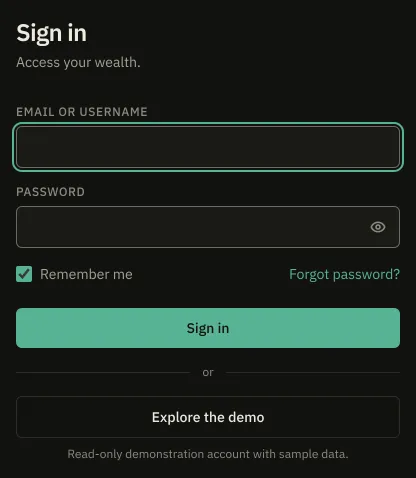
Sign out. The login screen now offers Explore the demo, one click and no credentials. The account also answers to the login
demoand the passworddemo.
On a fresh install the same thing is done from the environment instead, with
DEMO_SEED_ENABLED=true in .env before the first start. That variable is only the
default the switch starts from. Open registration
holds the rule the two switches on that tab share.
What it holds
Section titled “What it holds”A modest household portfolio: a current account, two savings books, an equity savings plan, a life-insurance contract, a securities account, a little crypto, crowdlending, a share of paper real estate, a home and a small rental studio, each property with its own loan. Eighteen months of operations on the current account, and a net-worth history sixteen years deep. The figures are illustrative and come from a generator, not from anyone’s real accounts.
The data is re-anchored to today once a day, so the “last three months” a visitor reads really are the last three months rather than three months around a deployment.
What it refuses
Section titled “What it refuses”The account is marked as the demonstration one and a guard sits in front of every request
it makes. Anything that is not a GET, HEAD or OPTIONS is refused with 403 and this
sentence: The demonstration is read-only: you can browse everything, but nothing can be
changed on this shared account.
Two routes are on an allow list and only two: signing out, and taking the JSON export, which writes nothing and seals no provider key because this account can hold none. Everything else is refused, renaming the account and changing its password included.
Turning demonstration mode back off is deliberately non-destructive. The login is refused, the nightly re-anchoring stops, and the account and its sample data stay where they are, so turning it on again is instant.